
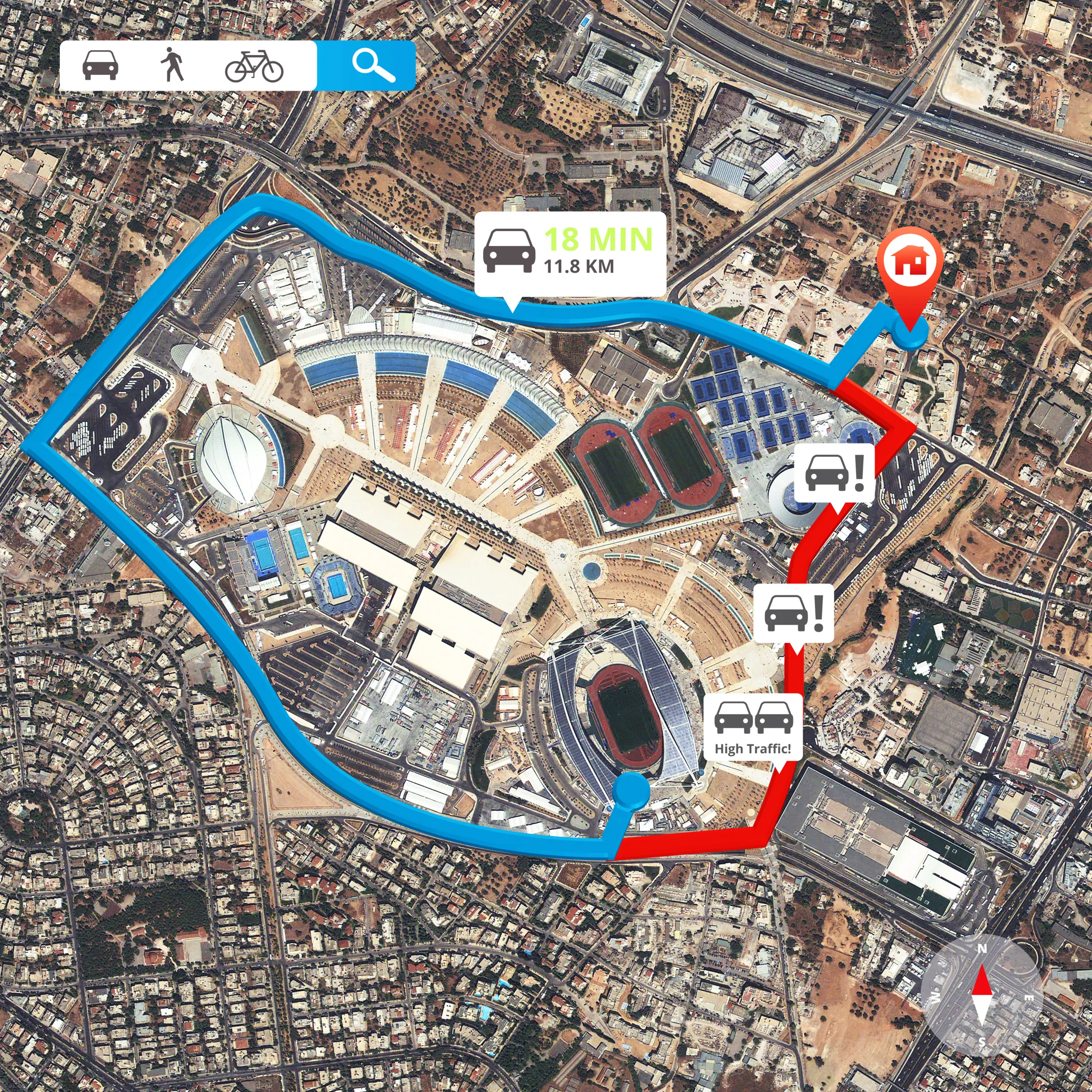
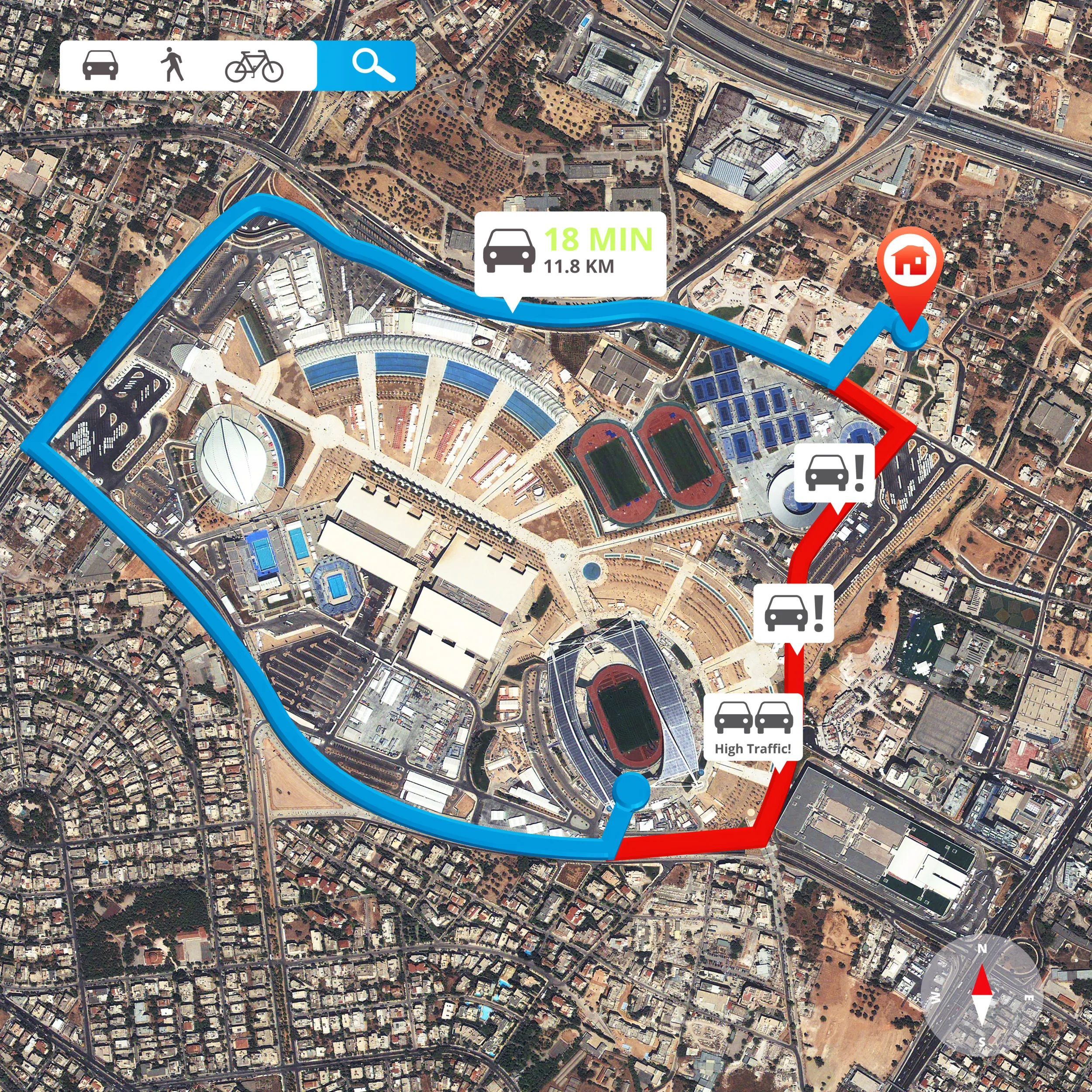
Delivery errors may seem minor on their own, but their consequences can quickly add up. Imagine a driver marking a package as delivered to the wrong address. Fuel is wasted on a re-delivery, drivers are pulled from scheduled routes, planners scramble to reconcile mismatched records, and customer complaints escalate into disputes. Over time, these small mistakes compound, leading to lost revenue, strained resources, and weakened customer trust.
Without location validation integrated into the delivery workflow, drivers may inadvertently close jobs while still en route or at the wrong site. Operations teams end up relying on ERP records that don’t reflect reality, and managers spend hours correcting data, rescheduling jobs, and handling disputes. Clearly, ensuring that deliveries are confirmed at the right place and time is critical for operational efficiency and customer satisfaction.
Preventing Delivery Errors with Geo-Fencing
Geo-fencing ties delivery confirmation directly to verified location data, ensuring that every “completed” delivery corresponds to a real-world location. When a driver attempts to mark a delivery as complete, the Operator App checks their GPS location against the delivery address stored in Dynamics 365. If the driver is outside the approved zone, a Delivery Location Mismatch warning appears, and the delivery cannot be confirmed until the driver is within the designated area.
Businesses can configure tolerance distances to fit each scenario—for example, a tight radius for residential addresses and a wider range for large distribution yards or warehouses. Every confirmation and mismatch attempt is automatically recorded with timestamps and GPS coordinates, creating an auditable trail that reflects true field activity. Dispatchers can monitor exceptions in real time, giving them confidence that deliveries are accurately confirmed and allowing immediate action when needed.
Why Accurate Delivery Confirmation Matters
Linking completion to verified locations solves several operational challenges. First, it ensures delivery accuracy: only deliveries completed at the correct location are recorded, eliminating false confirmations and reducing the need for managers to double-check ERP records. Second, it offers flexible precision: configurable geo-fencing tolerances adapt to different types of delivery points without slowing operations. Finally, it protects against disputes: when customers question missed or incomplete deliveries, managers can review exact GPS-verified confirmation data, reducing unnecessary write-offs and demonstrating accountability.
Real Operational Benefits
By tying delivery completion to verified locations, businesses gain:
- Reduced disputes and protected margins: Fewer delivery errors mean fewer write-offs and operational losses.
- Confidence in operational data: Managers can trust that ERP records reflect actual field activity.
- Improved customer communication: Verified deliveries allow for accurate status updates and stronger service credibility.
- Reliable performance metrics: Location-verified completions transform simple delivery statuses into actionable, trustworthy operational data.
In other words, geo-fencing ensures that delivery data is not just recorded but reliable and actionable, giving managers the control and visibility they need to meet service commitments consistently.
Making It Work with RouteCTRL
RouteCTRL integrates geo-fencing directly into Microsoft Dynamics 365 Supply Chain Management and Business Central. Drivers and operators capture completions only when at the verified location, while managers monitor progress in real time. Every confirmation, exception, and GPS record is logged automatically, reducing disputes and providing teams with actionable, trustworthy data.
Experience location-verified operations for yourselfBook a demo with our team. We’ll walk you through real scenarios.
.